
We install, configure, and maintain OpenClaw on your Mac Mini — a private AI assistant that handles your email, posts your content, and reports to your clients. You message it on WhatsApp. It gets on with the work.
 Gmail
Gmail Instagram
 Facebook
 HubSpot
 WhatsApp
 X
X LinkedIn
 Outlook
 Slack
Slack Stripe
 WordPress
 Shopify
of the workweek goes to managing email
McKinsey Global Institutelost every week searching for information
McKinsey Global Instituteless time on professional writing tasks with AI assistance
Noy & Zhang, Science (2023)faster task completion in a field study of 758 consultants
Dell’Acqua et al., HBSEvery week, the same hours disappear.
You’ve looked at hiring a VA. $2,000 a month, plus training, plus managing them. You’ve looked at ChatGPT. It’s helpful, but it doesn’t do anything — you still have to open it, paste things in, and copy the answer back out.
There’s a third option.
OpenClaw is an open-source AI assistant you run on your own Mac Mini. It connects to your messaging apps, your inbox, your calendar, and your files — and it takes action, not just conversation.
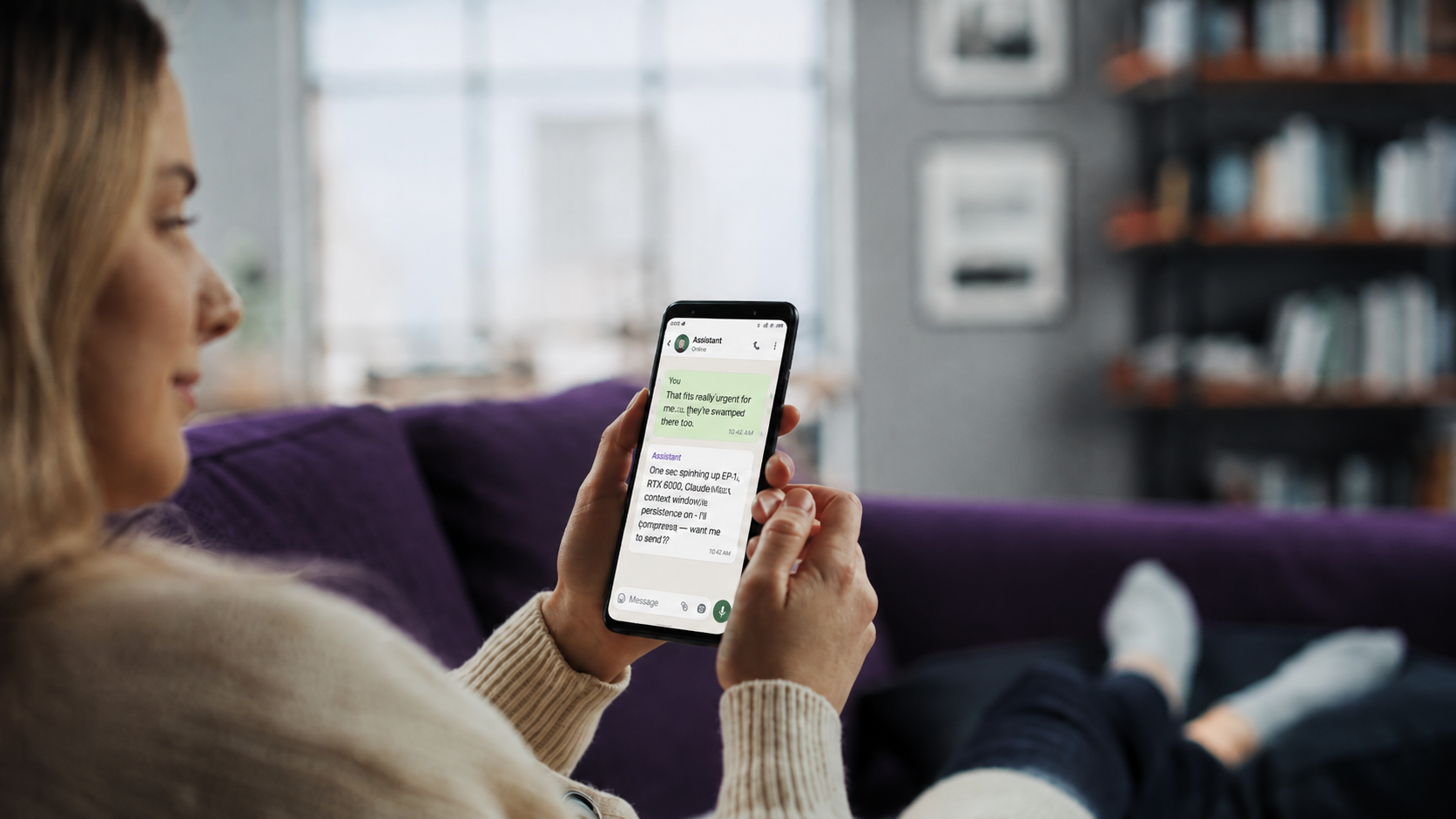
Getting it running properly takes work most marketers do not want to do — Node versions, security permissions, channel pairing, and keeping it alive through macOS updates.
We install it. We configure it around your business. We keep it running.
We will map the workflow, show you what can be automated, and give you a clear path from recurring work to a private assistant running on your own hardware.
Choose the workflows consuming your time. Start with one, then add more as your assistant learns the business.
Inbox triaged overnight. Replies drafted in your voice. An 8am WhatsApp brief containing what needs a human.
One idea becomes five platform-native posts. Approve from your phone, then schedule and publish.
Meta, Google Ads, and GA4 pulled automatically with AI-written commentary and formatted delivery.
Research briefs, enriched lists, personalized first-touch drafts, and classified replies.
Transcripts summarized, actions extracted, CRM updated, and follow-up drafted.
Competitors, markets, and client context researched overnight, distilled into decision-ready briefs.
Your assistant runs on hardware you control. Client context stays close, access is revocable, and the system remains yours—not another rented workspace.
| Cloud AI tools | LeadCrush on your Mac Mini | |
|---|---|---|
| Where your data lives | Someone else’s servers | Hardware you own |
| Client data exposure | Sent to third parties | Stays on your machine |
| Monthly software cost | $99–500/mo per tool | $0 to us for software |
| Takes action for you | You copy and paste | It executes |
| Who owns the setup | Locked to their platform | Open-source. Yours. |
Turn manual work into automated workflows.
Point us at the process you’re handling by hand. We’ll streamline it into a system running on your own hardware.