
Why run a private AI assistant on a Mac Mini?
Owned hardware changes the privacy, cost, and control equation for businesses handling client information.
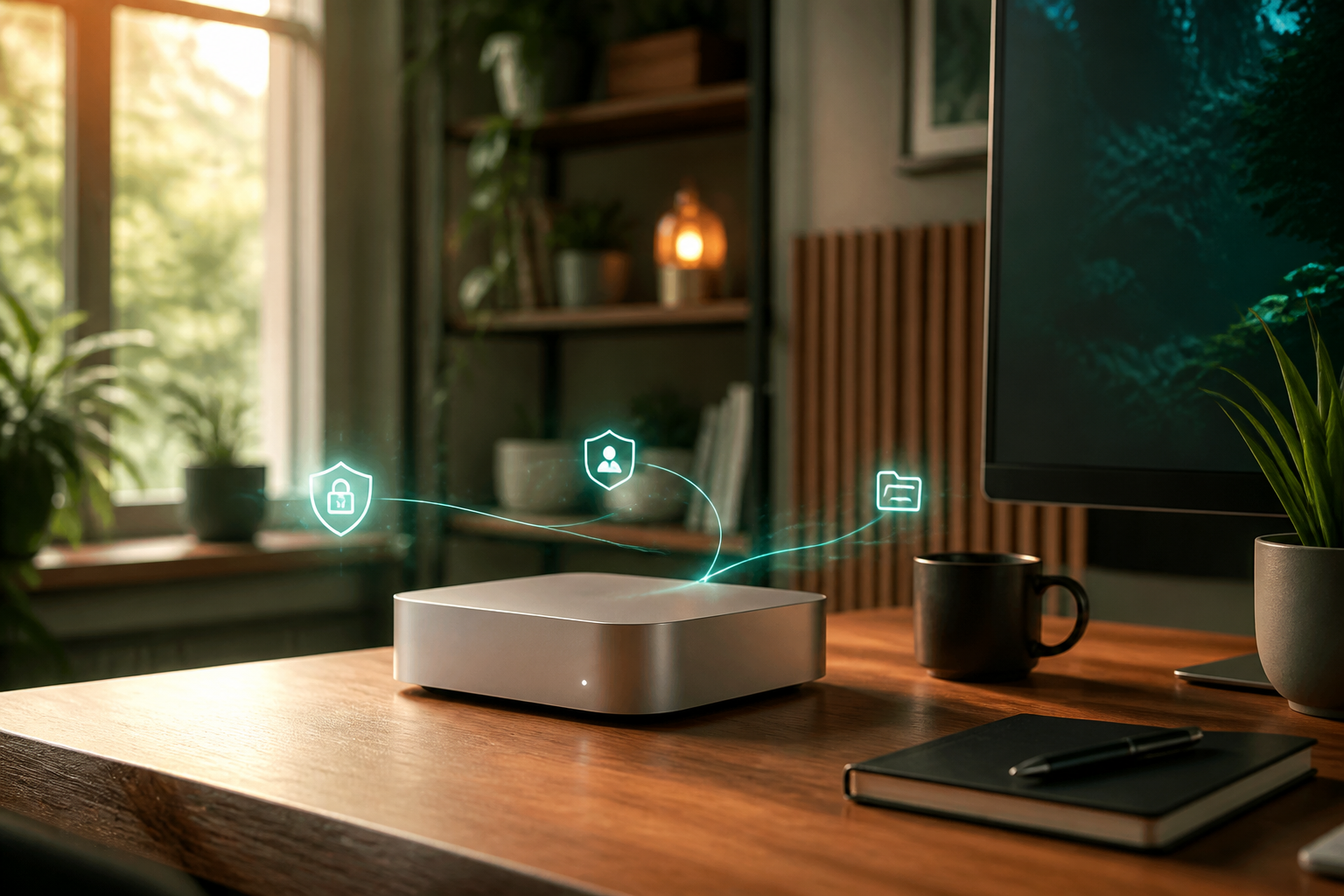
Most AI tools ask you to move your work into their environment. A private assistant reverses that relationship: the assistant runs inside an environment you control and connects only to the services you approve.
Ownership creates a clearer boundary
A Mac Mini provides a small, quiet, always-on home for workflows, business context, and local files. You can inspect it, disconnect it, replace it, and control who can access it.
Privacy is an architecture decision
Running locally does not make every connected service private by magic. AI provider requests and approved integrations still need careful configuration. The advantage is that orchestration, stored context, credentials, and workflow history can remain under your control.
Reliability matters as much as intelligence
An assistant is useful only when it starts after a reboot, survives updates, reports failures, and cannot exceed its permissions. Installation therefore includes hardening, monitoring, recovery rules, and approval gates—not simply running an install command.
Open systems reduce lock-in
With an open-source foundation, your workflows are not trapped inside one vendor dashboard. You can change providers, add integrations, or move the system without rebuilding the business logic from zero.